For Developers

Give your leads a platform they can open on their own laptop or phone.

Interactive 3D city, apartment walkthroughs and sales tools, built into your project website. Your buyers fly over the neighbourhood, spin the building and walk the interiors — straight from a link, with nothing to download.

Opens from a linkRight on your website, or in a message
Laptop, tablet or phoneThe same experience on every screen
Nothing to downloadNo app, no plugin — just a browser

See It in Action

From the skyline
to the sofa — in one tab.

This is exactly what your leads see on their own laptop or phone: one continuous experience on your website. Fly over the city, find your building, pick a unit and step inside.

0:00 / 2:50

Our Work

The visuals behind
every launch.

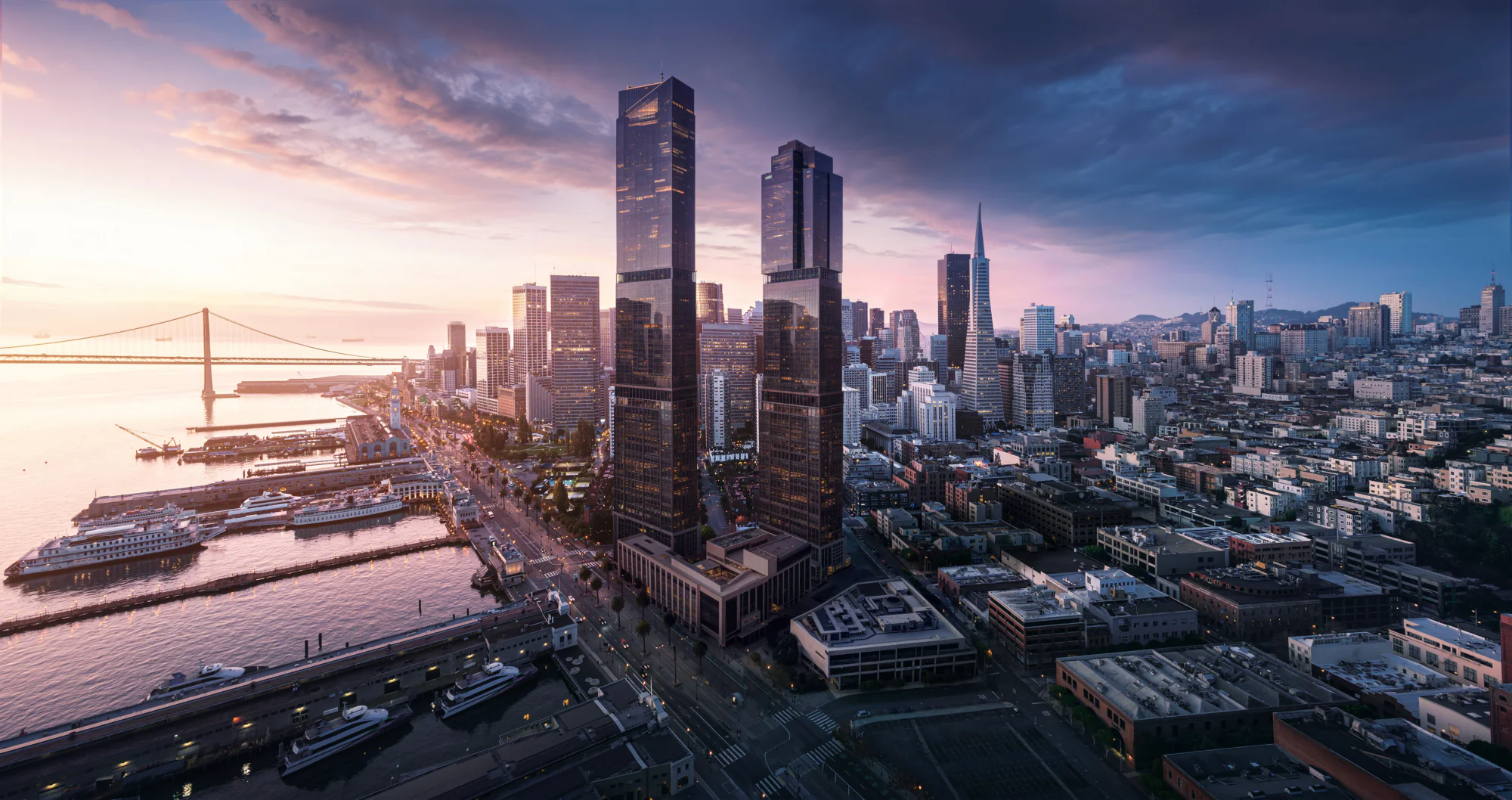
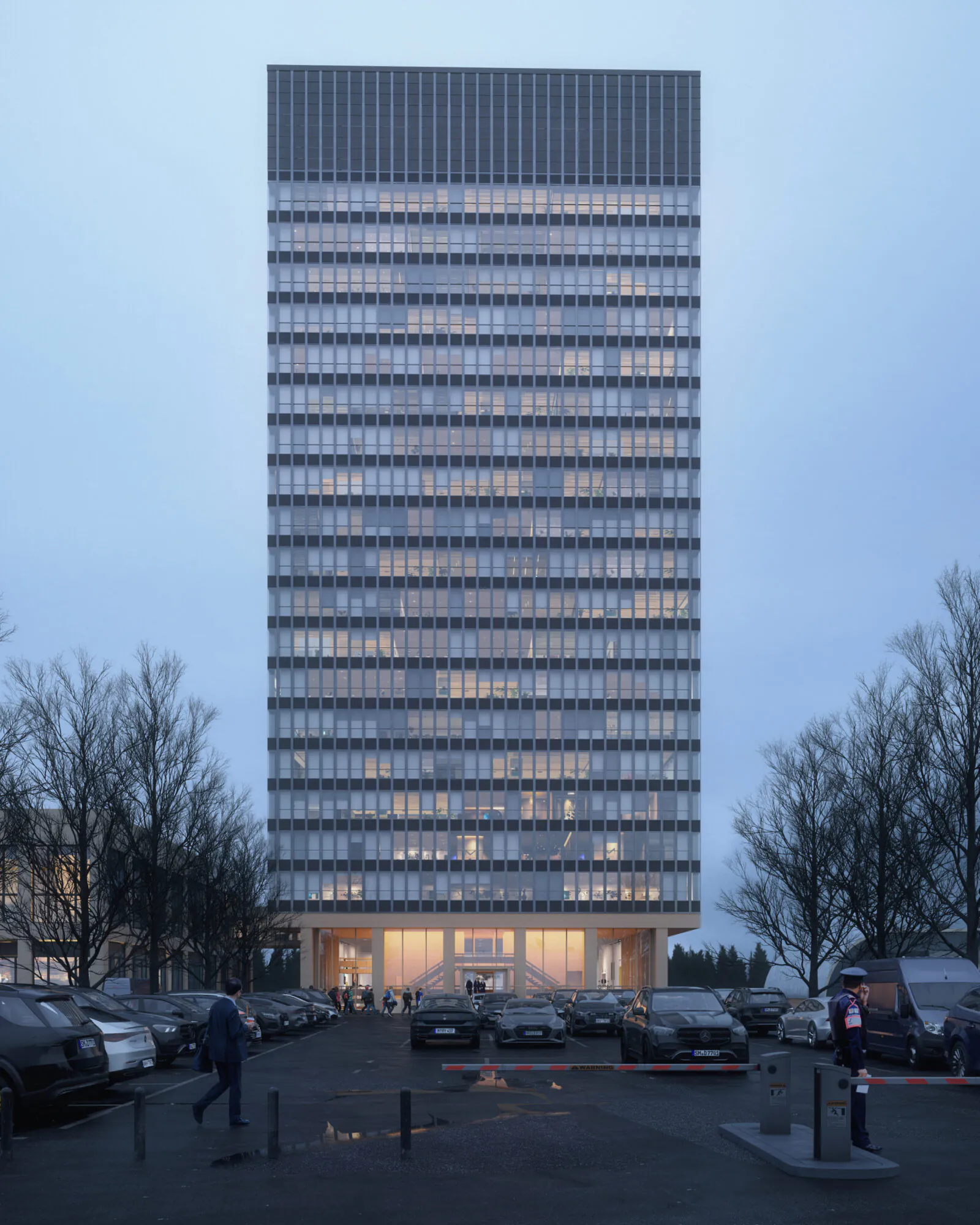
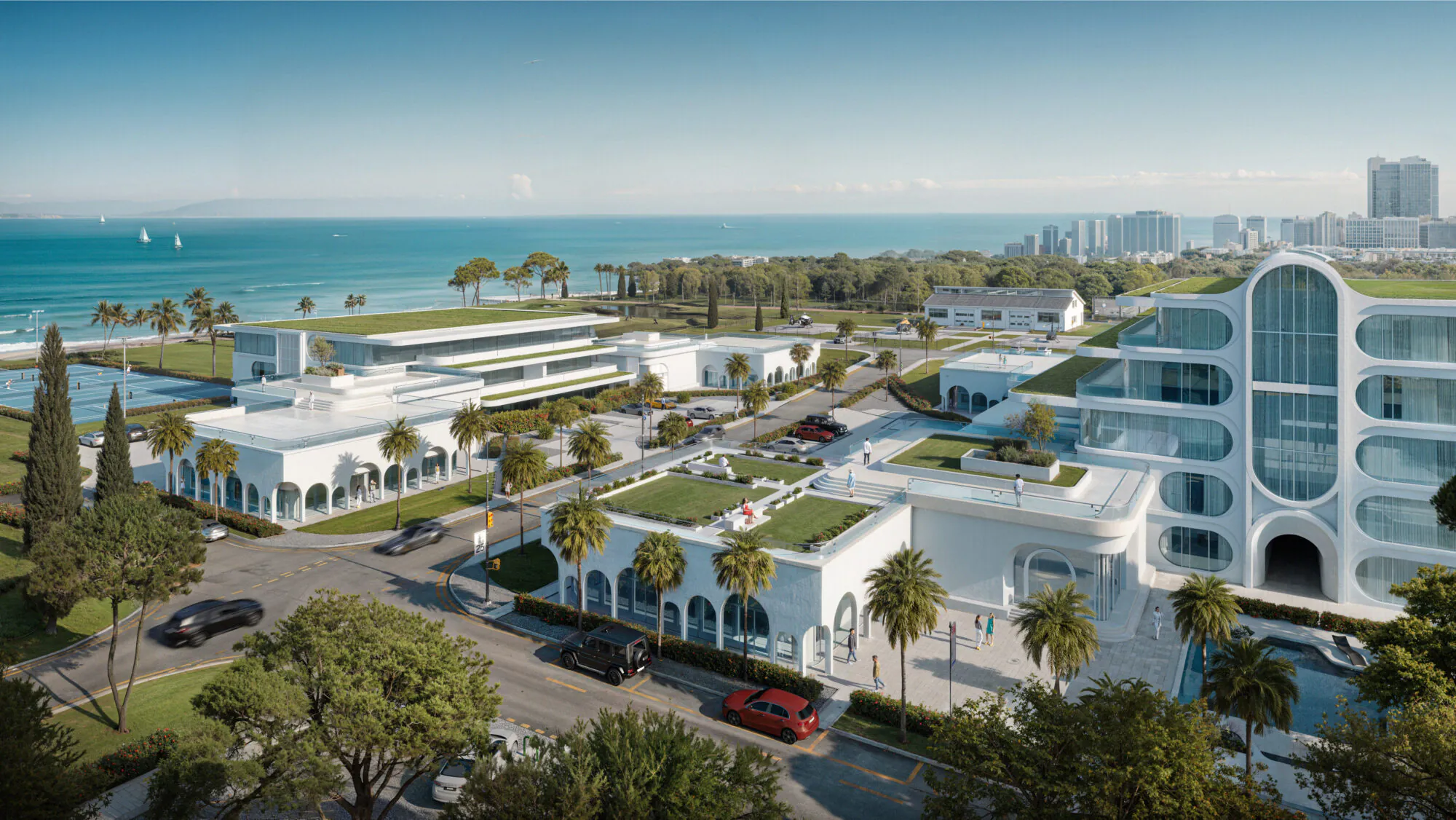
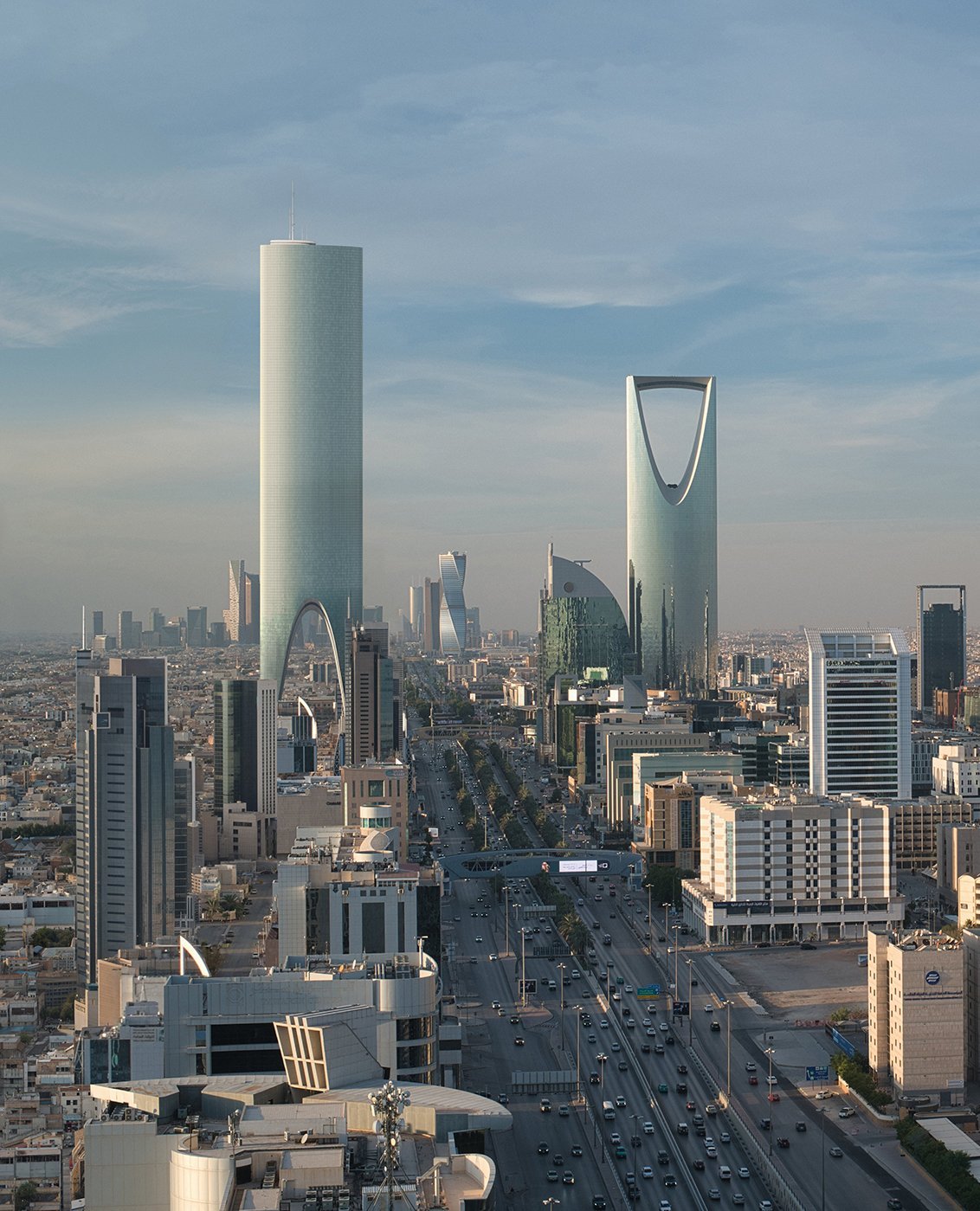
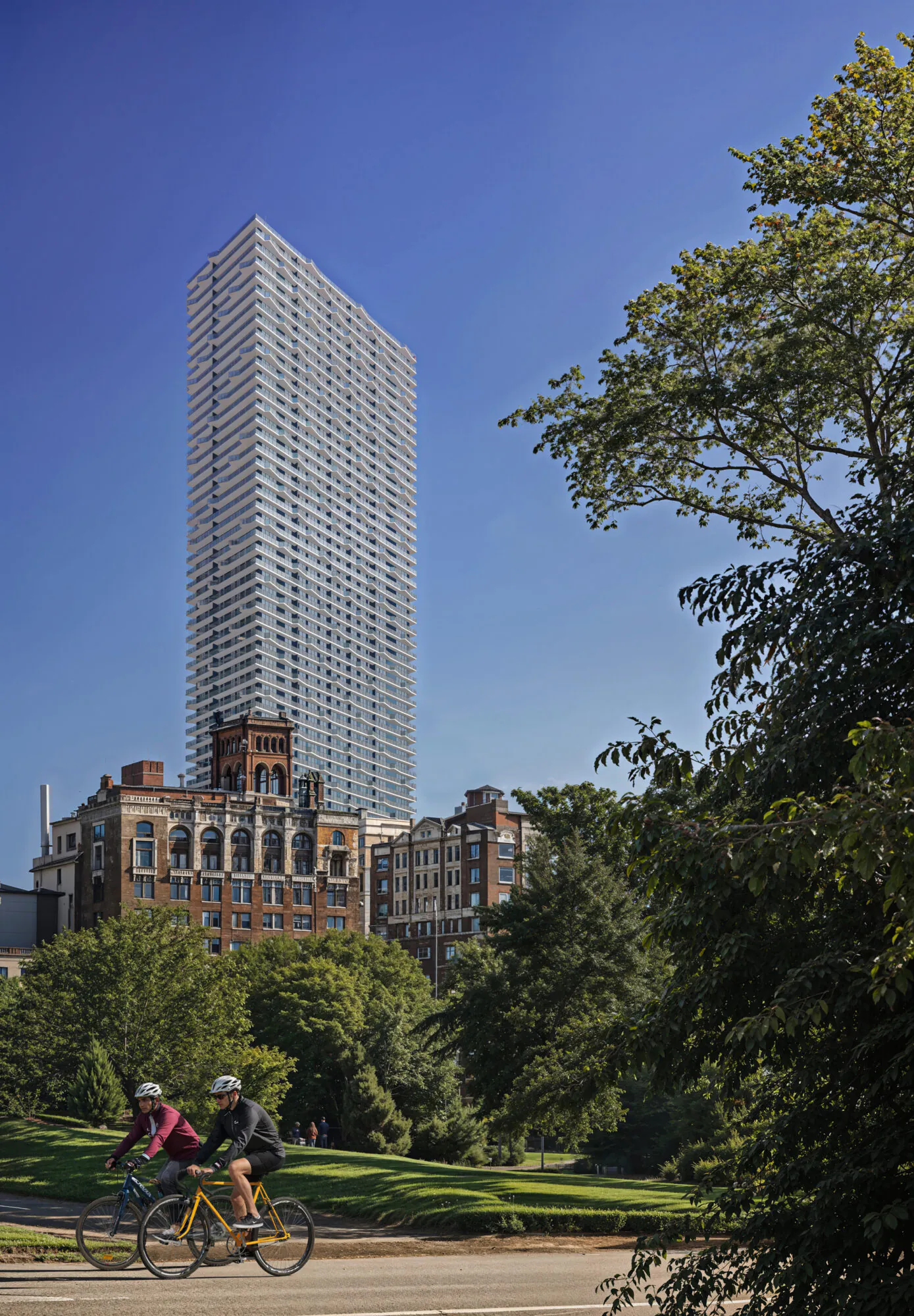
Every interactive tool starts from photoreal CGI. This is the quality your buyers see first — from tower exteriors to resort masterplans.

See all projects →

What We Build

Everything a launch needs
to sell.

Interactive tools for the sales floor, websites and decks for the pipeline, and the visual content that carries the launch — all built from one set of approved visuals.

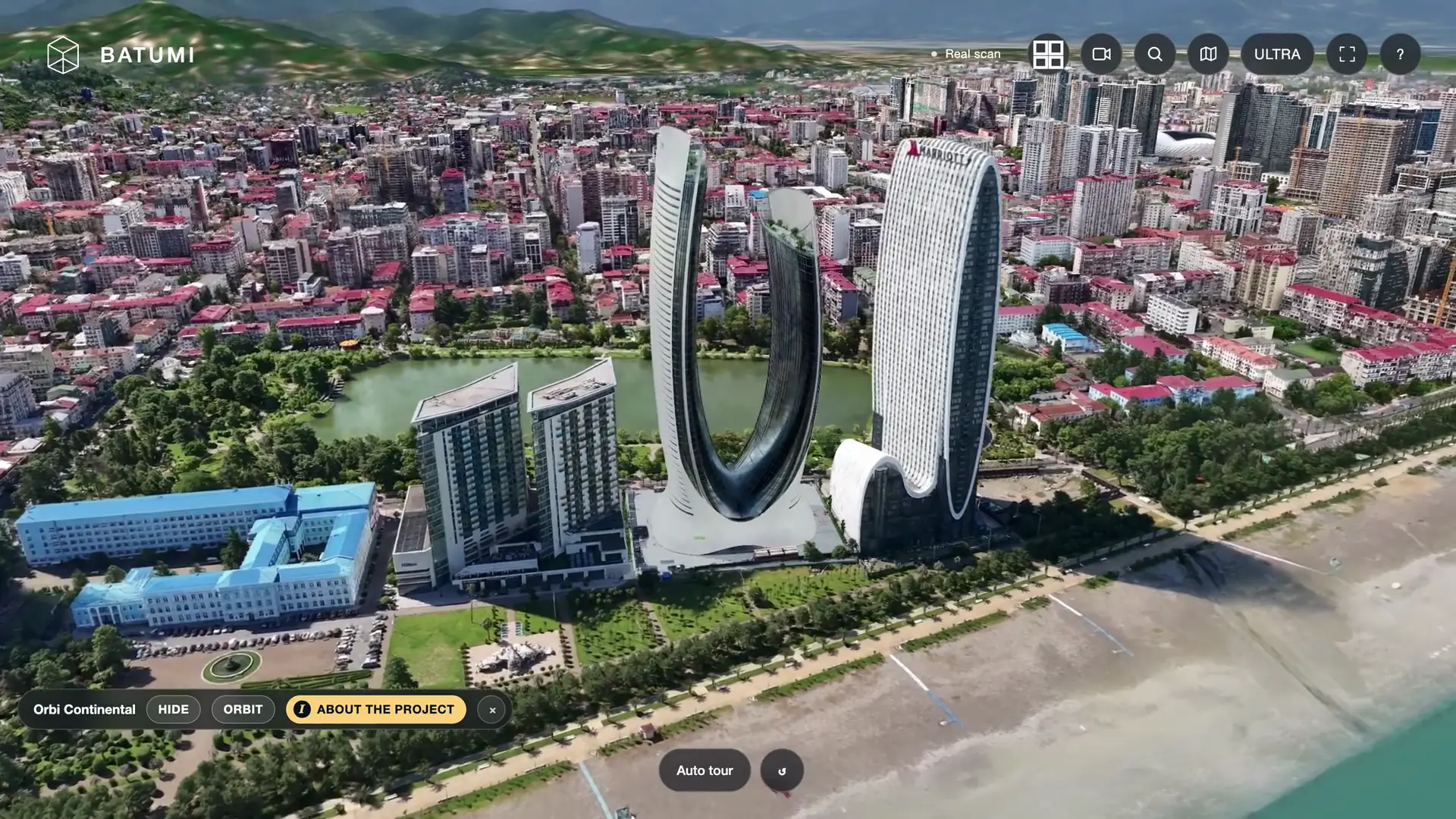
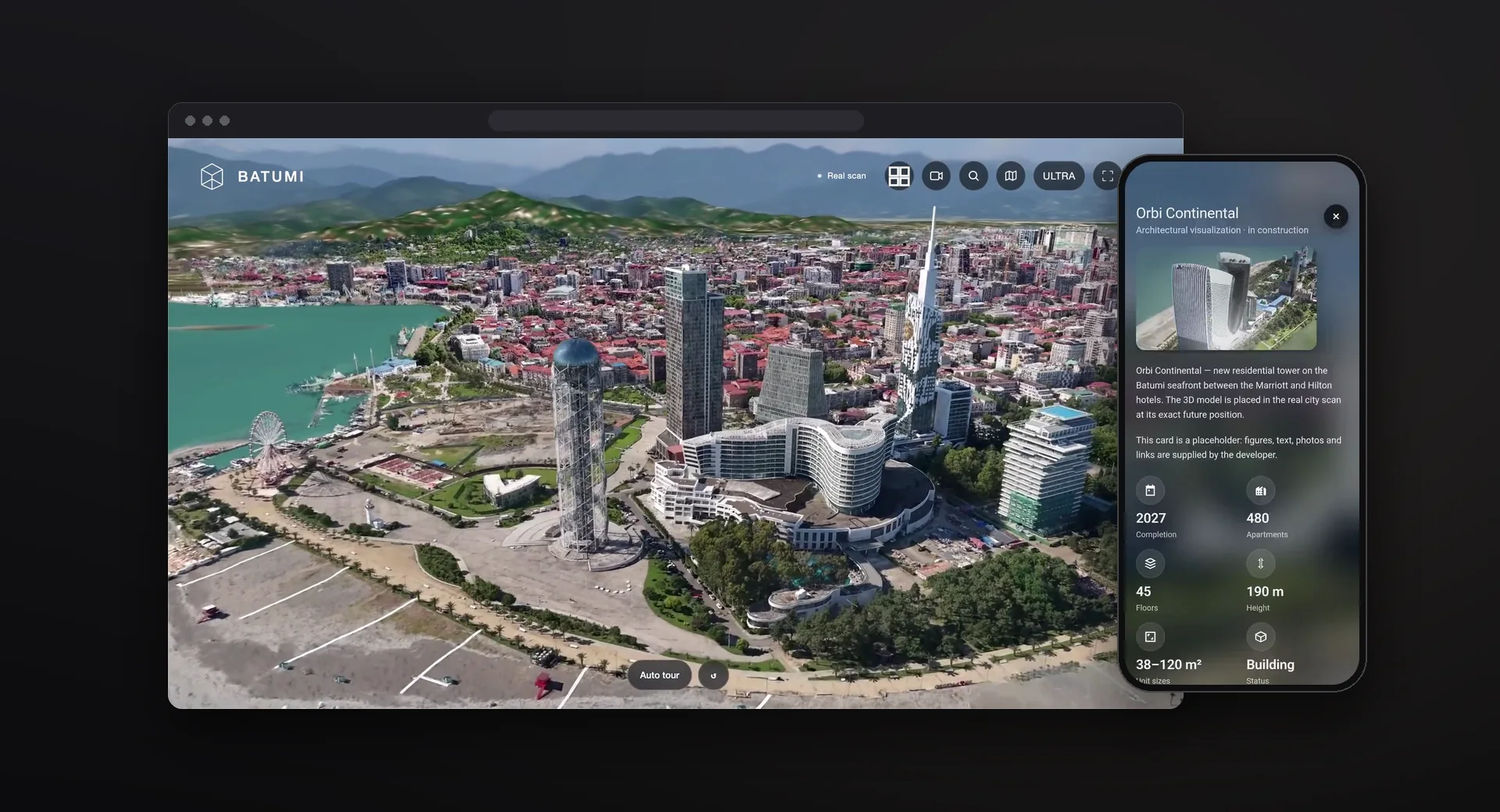
Interactive 3D city scan of Batumi with a new tower placed at its future position and show, hide and orbit controls
3D Map

Interactive City & Masterplan

Your development placed at its exact future position inside a real 3D city scan — or a clean 3D masterplan of the site itself. Buyers fly, spin the building, and click through to units, straight from your website.

  • Project card with completion date, units, floors, and height
  • Show, hide, and orbit controls for the new building
  • Auto-tour mode for sales-gallery screens
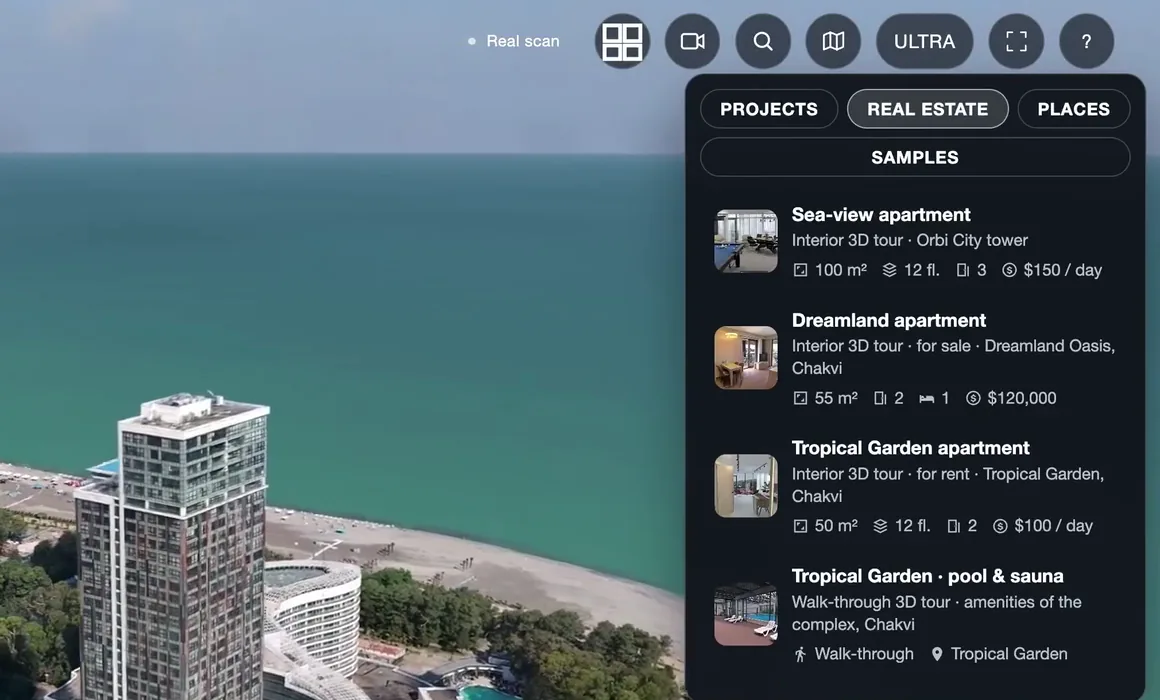
Unit list inside the interactive 3D city: apartments with area, floor, rooms and price
Web Tool

Apartment Selector

A unit finder built straight into your project website — filter, compare, and shortlist in seconds.

  • Filters for size, floor, and view
  • Side-by-side layout comparison
  • One click into the 3D tour of each unit
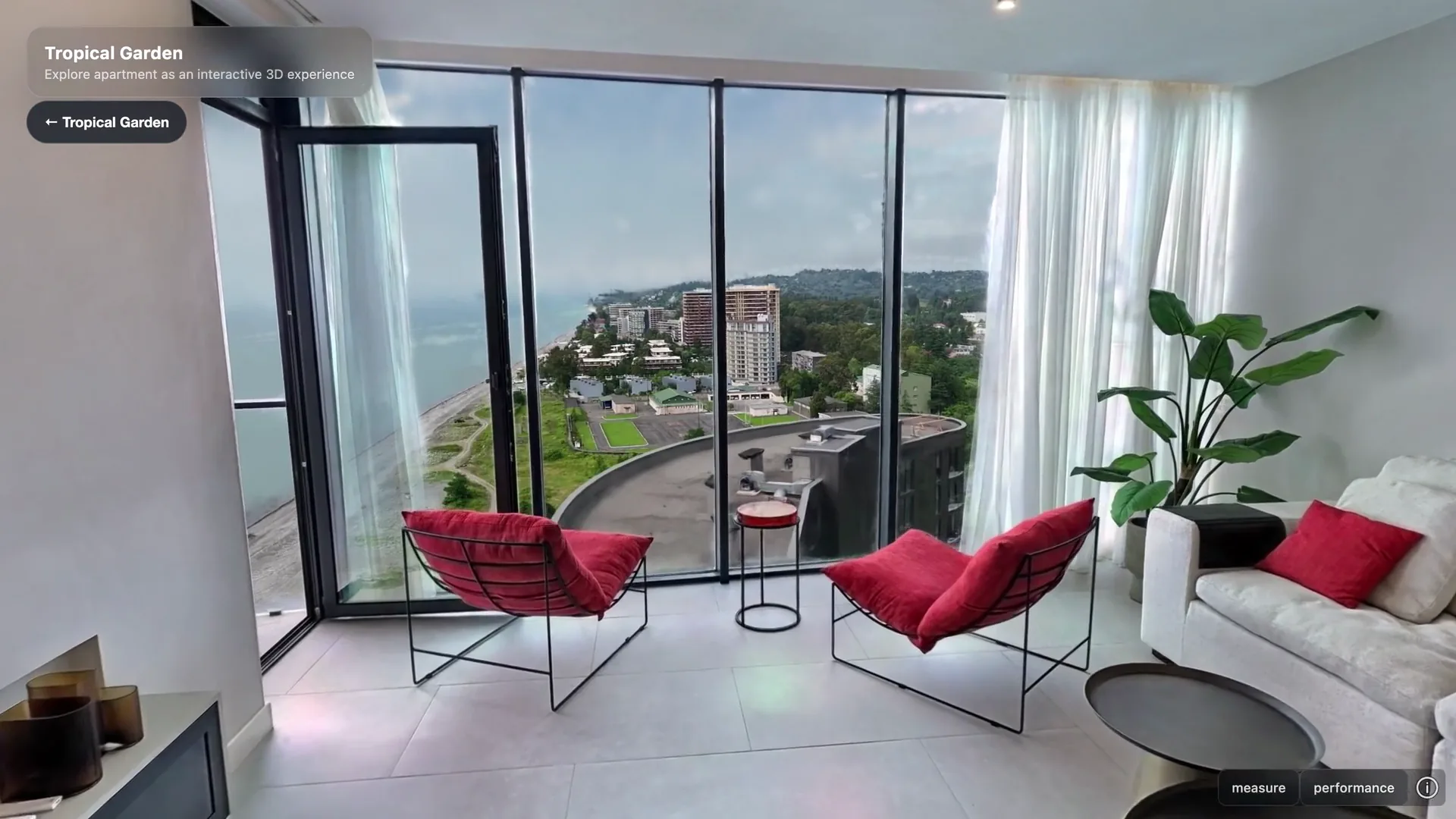
First-person 3D walkthrough of a sea-view apartment, running in the browser
Virtual Showroom

3D Apartment Walkthrough

A first-person walk through any unit, right in the browser — a virtual showroom for remote buyers, investors, and sales teams, long before a sample flat exists.

  • Drag to look, tap to move from room to room
  • Virtual staging for different buyer scenarios
  • Opens straight from a unit pin or the selector
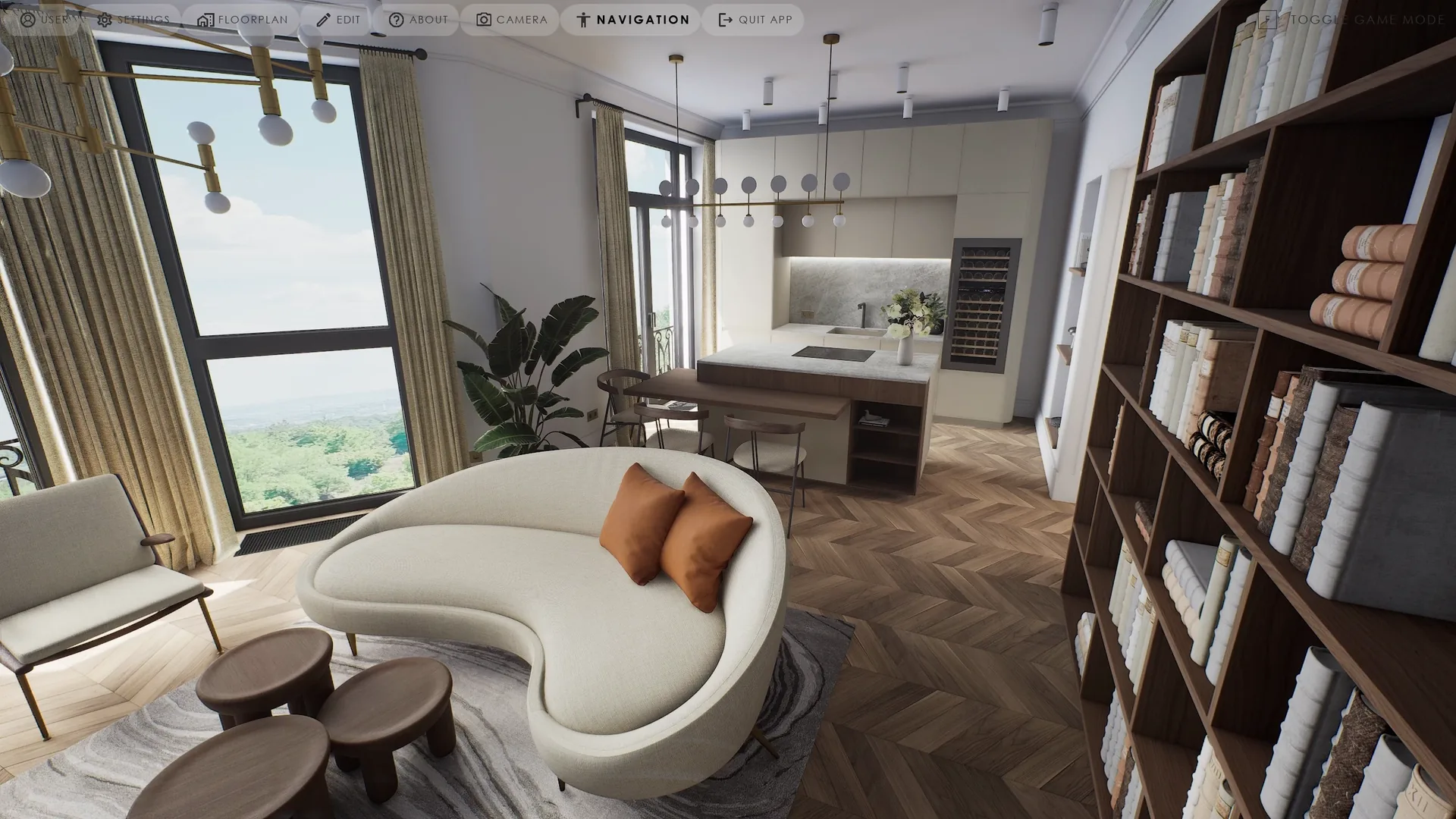
Real-time VR apartment experience with navigation, floor plan and material editing menus
Sales Gallery

VR & AR in the Sales Gallery

An immersive walk through the unit in a headset or on a tablet, right on the sales floor — for the buyer who needs to feel the space before deciding.

  • Headset and tablet modes
  • Built from the same 3D model as the web walkthrough
  • Made for sales offices and exhibitions
The interactive project website on a desktop browser and on a phone

Websites & Digital

Property Landing Page

A focused page for one property, launch, or investment opportunity — built to convert a single audience.

Premium Property Website

A complete site for high-end developments and residential brands, with the interactive tools embedded.

Outdoor & Social Ads

Billboards, banners, and a social content plan in one consistent visual system.

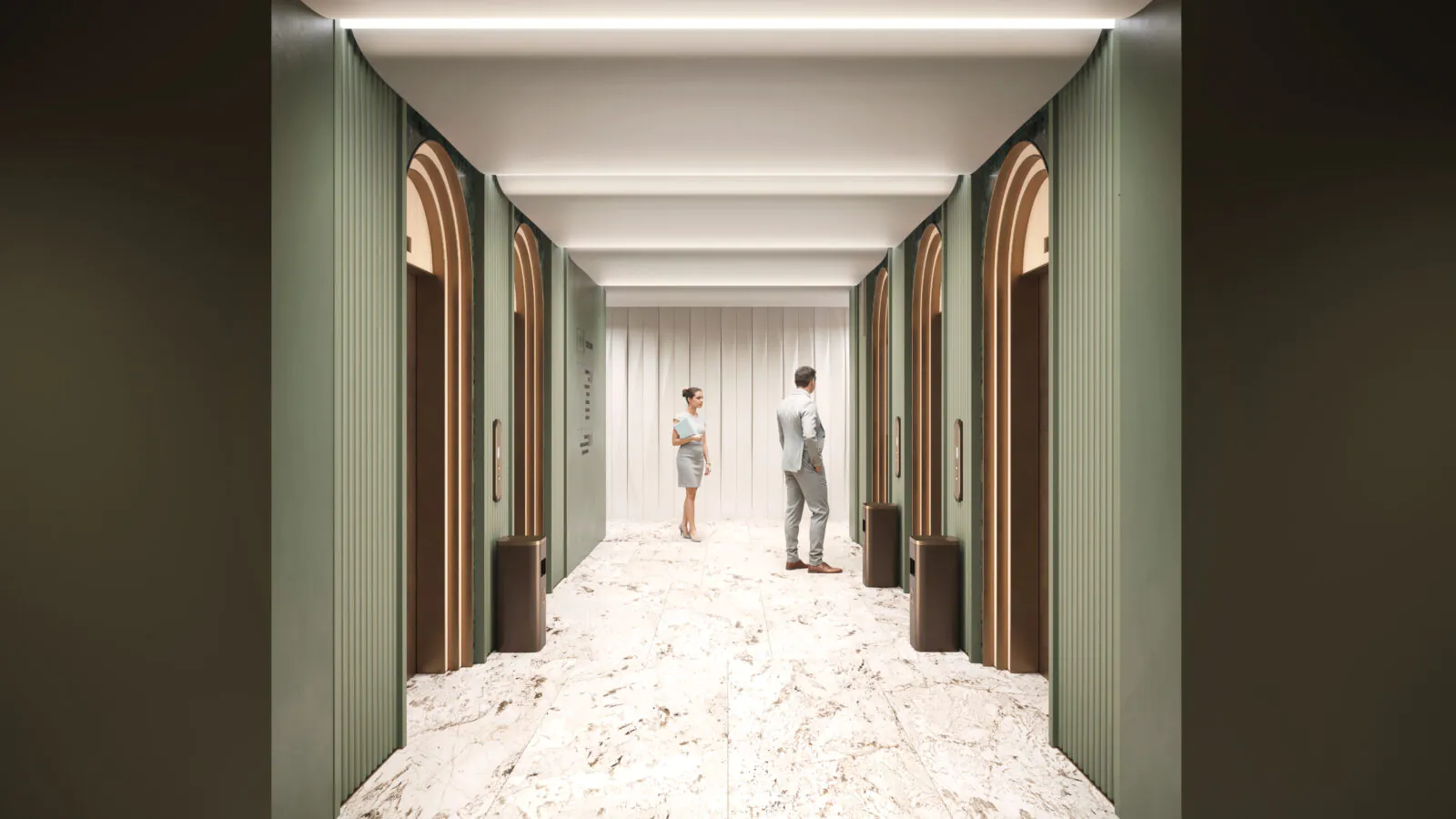
Lobby interior visualization with a host greeting a visitor

Sales Materials

Sales Deck

A polished presentation for brokers, sales teams, and private buyers.

Investor Deck

A structured investment story for funds, partners, and stakeholders.

One-Page Fact Sheet

All the key project data on a single, premium page.

Brochures & Gallery Graphics

Print and display collateral for the sales floor, in the same visual language.

Sales Office Design

Visualized concepts for the sales gallery itself — layout, finishes, and atmosphere.

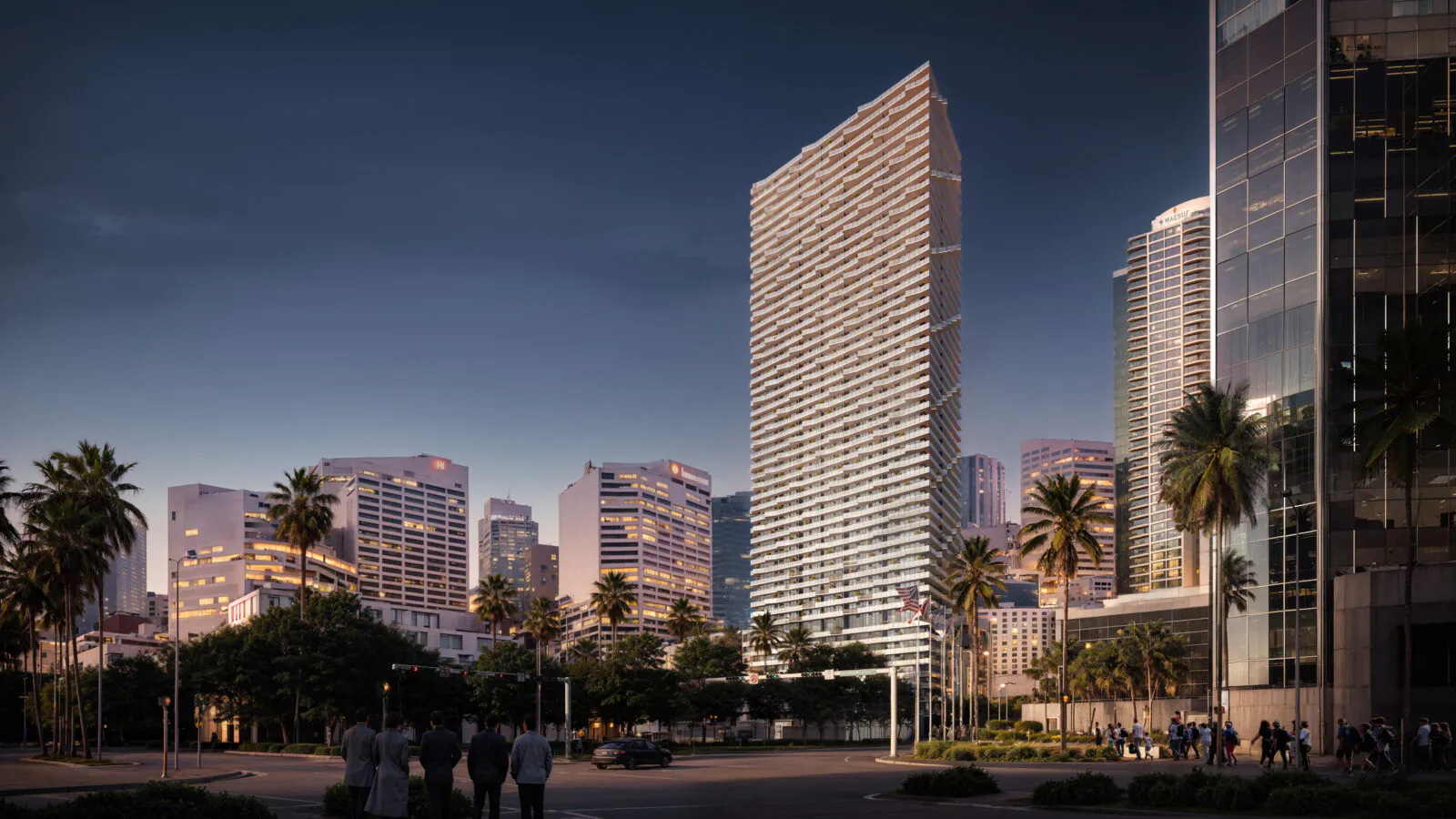
Dusk exterior visualization of the SLS Brickell tower in Miami

Content & Launch

Photoreal CGI & Animation

Master renders and cinematic films for approvals, investors, and early sales.

AI Imagery & Social Video

Lifestyle scenes and short vertical clips generated from your renders for Reels and TikTok.

PR & Editorial Kit

Press-ready images, text, and fact packs for launches and media coverage.

Naming, Branding & Brand Book

Name, identity, and guidelines that carry the positioning.

Go-to-Market Strategy

A media plan and launch sequence: what investors see, what buyers see, and when.

Where to Start

Common ways
to begin.

Most developers don't need everything at once. Each package builds on the one before — pick your stage and we'll tailor the exact scope to your project.

Pre-launch

Raise & announce

You need to win investors and announce the project before sales open.

What's included

  • Photoreal CGI
  • Property Landing Page
  • Investor Deck
  • One-Page Fact Sheet
Start with this →
Sales gallery

Open the sales floor

Give buyers something to explore — on your website and the moment they walk in.

What's included

  • Everything in Pre-launch, plus:
  • Apartment Selector
  • 3D Apartment Walkthrough
  • VR & AR in the Sales Gallery
  • Sales Deck
Start with this →
Full launch

Launch the whole project

A coordinated campaign, from the first render to the last billboard.

What's included

  • Everything in Sales gallery, plus:
  • Interactive City & Masterplan
  • Premium Property Website
  • Animation
  • AI Imagery & Social Video
  • Outdoor & Social Ads
  • Go-to-Market Strategy
Start with this →

Need a different mix, or just one tool? Pick only the services you need in the brief →

How We Work

From brief to launch,
one team.

01

Brief & Goals

Tell us the audience, the stage, and what the project must communicate — we recommend the right mix of tools.

02

One Visual Source

We build on your drawings, BIM data, or approved renders, so every tool shares the same look from day one.

03

Build & Review

Websites, 3D tools, and sales materials take shape in parallel, with review checkpoints along the way.

04

Launch & Handover

Final assets delivered in the formats your sales team, agency, and website need.

Why Finval

Built by a visualization
studio first

One Visual Source

Renders, film, web, and decks all draw on the same approved visuals — nothing looks like it came from a different studio.

Strategy First

We begin with what the project must say and to whom, then choose the tools — not the other way around.

Visualization Roots

The quality of every sales tool starts with the quality of the render — and that's where we've built our name.

Start Your Brief

Tell us about
your development.

A few details help us recommend the right mix of tools. Answer what you can — we'll ask the rest.

  1. 01

    We review your brief

    Along with any drawings, renders, or references you attach.

  2. 02

    Reply within one business day

    With a recommended scope and timeline.

  3. 03

    A short call, if useful

    Zoom, Teams, WhatsApp, or Telegram — whichever you prefer.

hello@studiofinval.com
No file selected